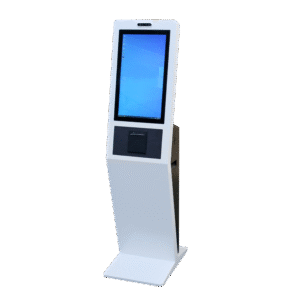
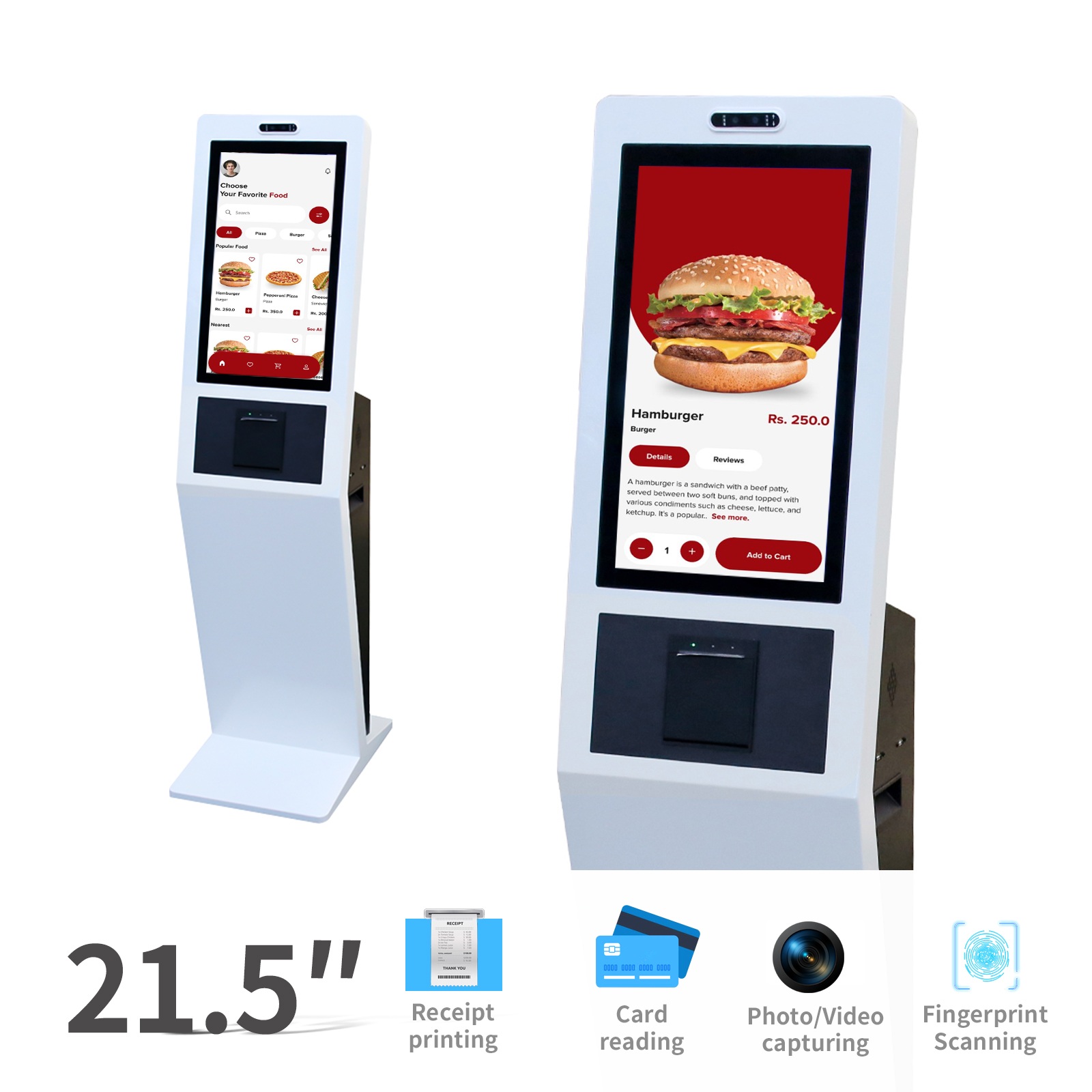
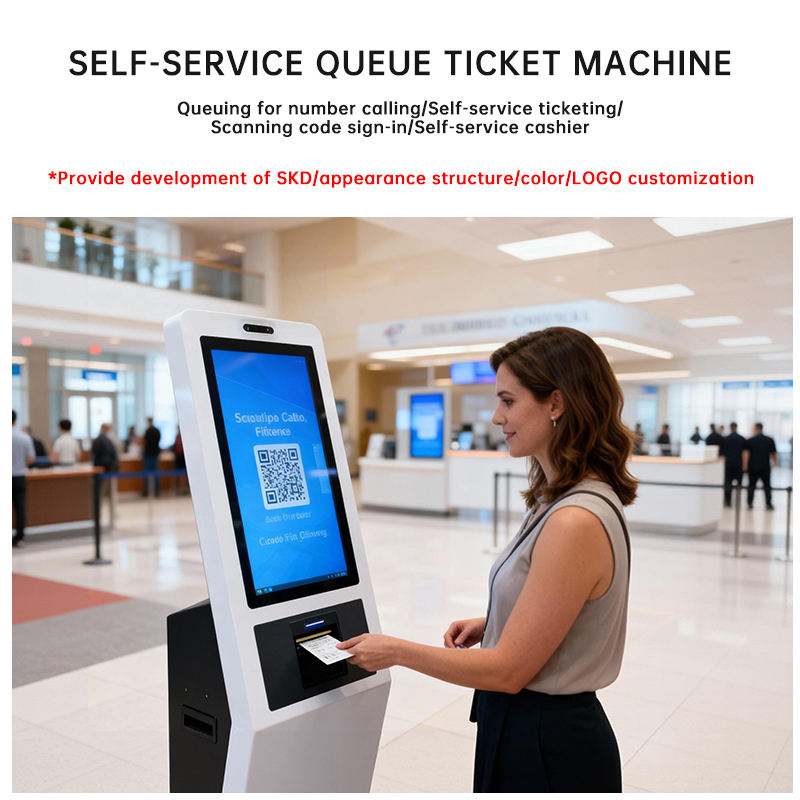
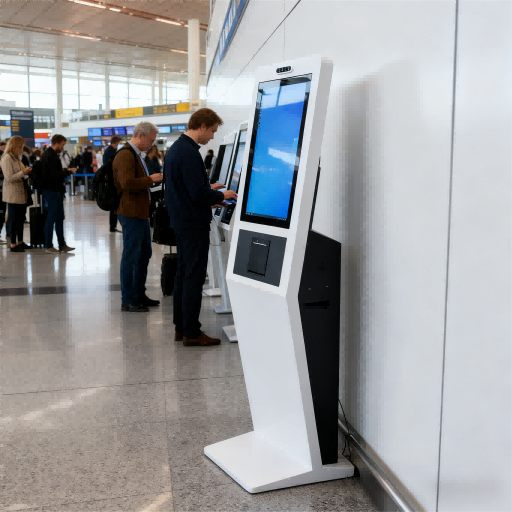
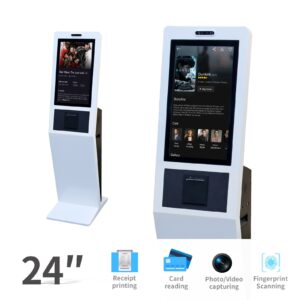
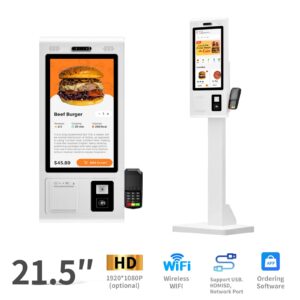
The Queue Management Kiosk with Ticket Dispenser & Display provides a complete self-service queue solution for public and commercial service environments. Users can select service categories on the touch screen, receive queue tickets, and follow service status through the display system.
This kiosk helps organizations reduce front-desk pressure, standardize customer flow, and improve the overall service experience. With Android system support, optional Windows system compatibility, SDK integration, and flexible module configuration, it can be connected with queue calling systems, counter displays, service management platforms, and backend databases.
| Product Type |
Queue Management Kiosk |
Application Type |
Indoor |
| Screen Size |
21.5 / 24 / 32 inch |
Bare Metal Size |
1045 × 468 × 60.64 mm |
| Display Resolution |
1920 × 1080 FHD |
Screen Type |
LCD Display, A Grade Panel |
| Backlight Type |
D-LED |
Brightness |
350 cd/m² |
| Operating System |
Android |
System Support |
Windows 7 / Windows 8 / Windows 10 Optional |
| Running Memory |
4GB / 8GB DDR3 |
Hard Disk Storage |
120GB / 240GB SSD |
| Touch Screen |
10-Point Capacitive Touch |
Mounting Type |
Floor Standing |
| Network Support |
Wired / WiFi / 3G / 4G Optional |
SDK Support |
Yes, SDK / API Integration |
| Core Functions |
Queue Management / Ticket Dispensing / Information Display |
Ticket Module |
Ticket Dispenser / Ticket Printer Optional |
| Optional Modules |
QR Scanner / Card Reader / Camera |
Extended Options |
NFC / RFID / Payment Module / Printer |
| Place of Origin |
Guangdong, China |
Brand Name |
Ikinor |
| Certification |
CE / CCC / C-Tick |
Compliance |
EU Standards / Flame Retardant Material / EMC Compliance |
OEM/ODM Customization
Ikinor supports OEM/ODM customization for queue management kiosk projects, including screen size, enclosure design, ticket dispenser, ticket printer, queue software, service category setup, multilingual UI, queue number format, logo branding, boot animation, color, and backend integration. The kiosk can be connected with queue calling systems, counter displays, service terminals, and central management platforms.
FAQs
Q1: Can the queue ticket format be customized?
Yes. Ticket number, service category, logo, QR code, counter information, waiting number, and footer text can be customized.
Q2: Can this kiosk connect with a queue calling system?
Yes. SDK/API integration is available for queue calling displays, counter screens, backend queue systems, and service management platforms.
Q3: Can we customize the interface and service categories?
Yes. The UI language, button layout, service category names, queue flow, and branding style can be customized.
Q4: What is the normal delivery time?
Standard configurations usually take about 15–25 working days. Customized software or hardware projects may require extra time.
Q5: What payment method do you accept?
We mainly accept T/T payment. Payment terms can be discussed based on order quantity and project requirements.