
Self Service Kiosk Manufacturer for Custom OEM/ODM Kiosk Solutions
Ikinor is a self service kiosk manufacturer supporting OEM/ODM kiosk hardware projects for restaurants, retail stores, healthcare facilities, hotels, corporate buildings, and public service environments. We help B2B buyers discuss kiosk structure, touchscreen form, payment module, printer, scanner, camera, enclosure design, branding, packaging, and project-based configuration before production.
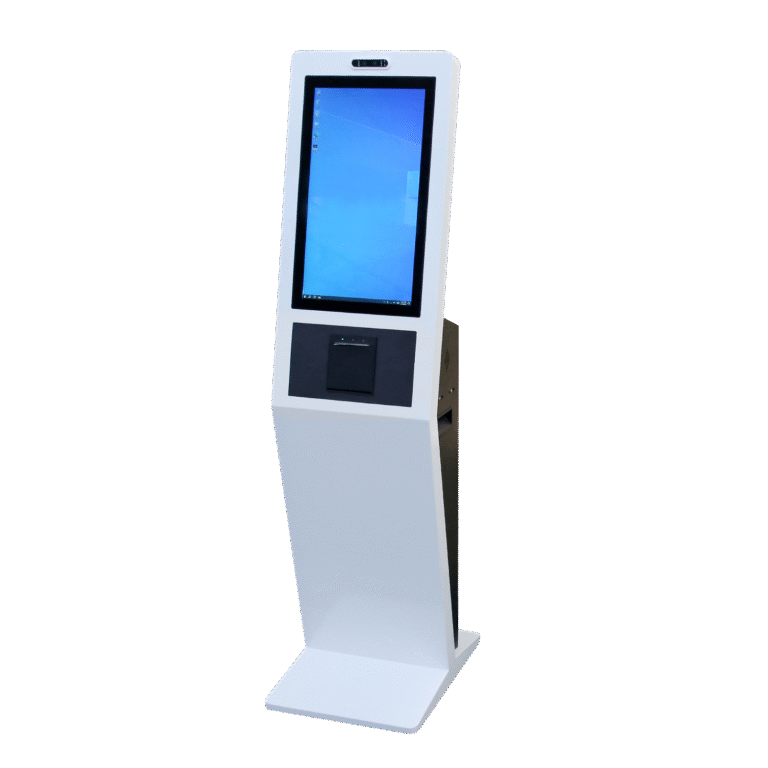
Self Service Kiosks Built for Modern Business Automation
At Ikinor, we design self service kiosk hardware for businesses that want to make ordering, payment, check-in, registration, printing, wayfinding, and visitor service more efficient. Instead of relying only on staffed counters, a self service kiosk gives customers, patients, visitors, or employees a clear digital touchpoint to complete common tasks by themselves.

For B2B projects, we do not treat a kiosk as only a touchscreen display. A practical kiosk solution needs the right enclosure structure, hardware modules, user interaction flow, and application scenario. As a custom self service kiosk and self payment kiosk manufacturer, Ikinor helps buyers review required functions, module options, installation environment, branding needs, and system connection requirements before recommending a suitable configuration.
Self-Service Interaction
Support user actions such as browsing, selecting, scanning, registering, paying, printing, checking information, or following guided service steps.
Better Customer or Visitor Flow
Help organize repetitive tasks such as ordering, check-in, checkout, ticketing, visitor registration, or document collection.
Flexible Service Processes
Discuss configuration directions for self-ordering, self-checkout, patient registration, hotel check-in, visitor badges, and wayfinding.
Hardware + Module Logic
Combine touchscreen, printer, scanner, payment terminal, camera, enclosure, network, software interface, and backend needs.
Tell Ikinor your service scenario and required kiosk functions.
Discuss Your Kiosk Project
Self Service Kiosk Solutions by Application Scenario
At Ikinor, we design self service kiosk hardware for different service environments because each industry has its own user flow, module requirements, and installation conditions. For project buyers, the key is to match kiosk structure, hardware modules, software connection needs, and branding requirements with the real service scenario.

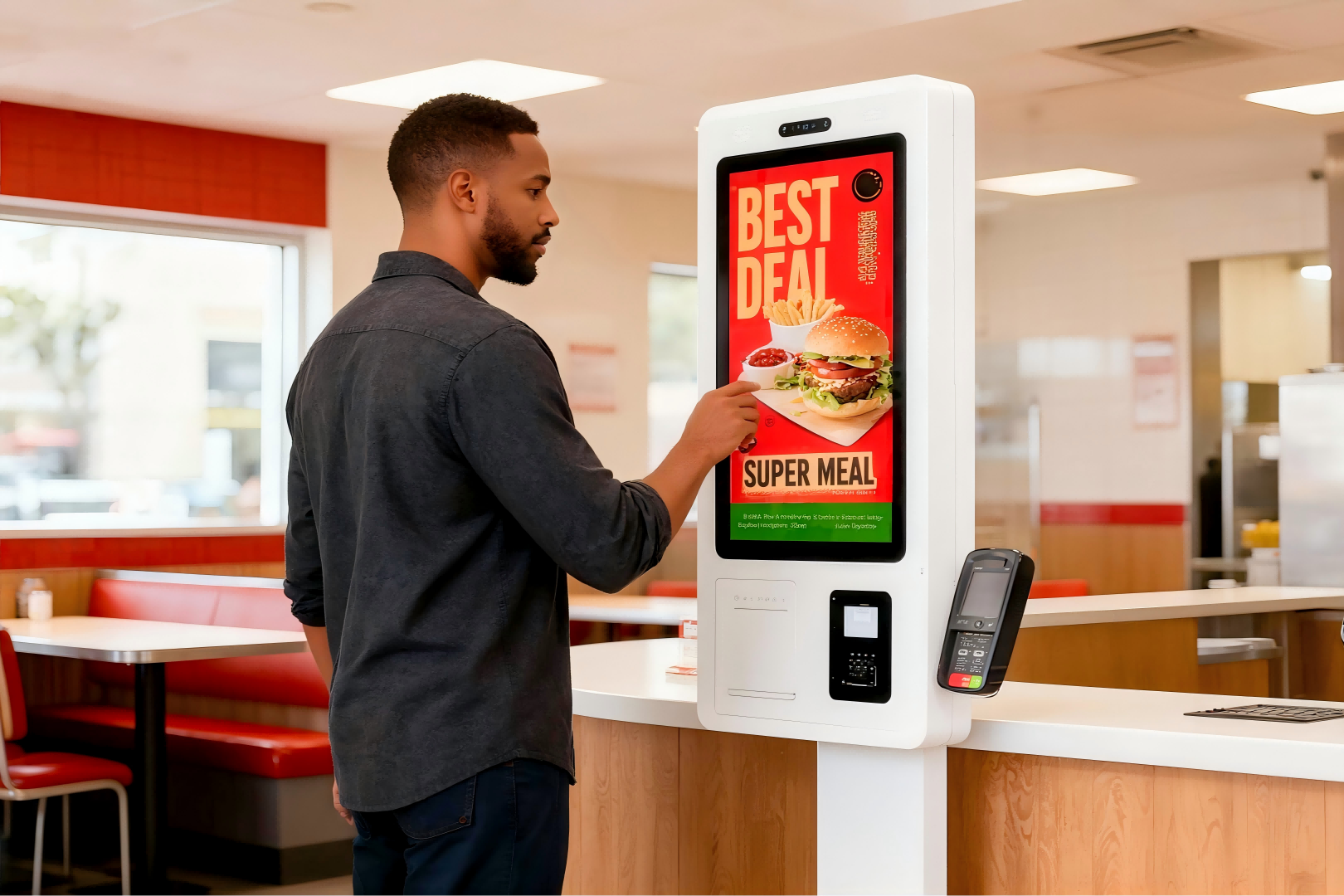
Restaurant Self Ordering Kiosks
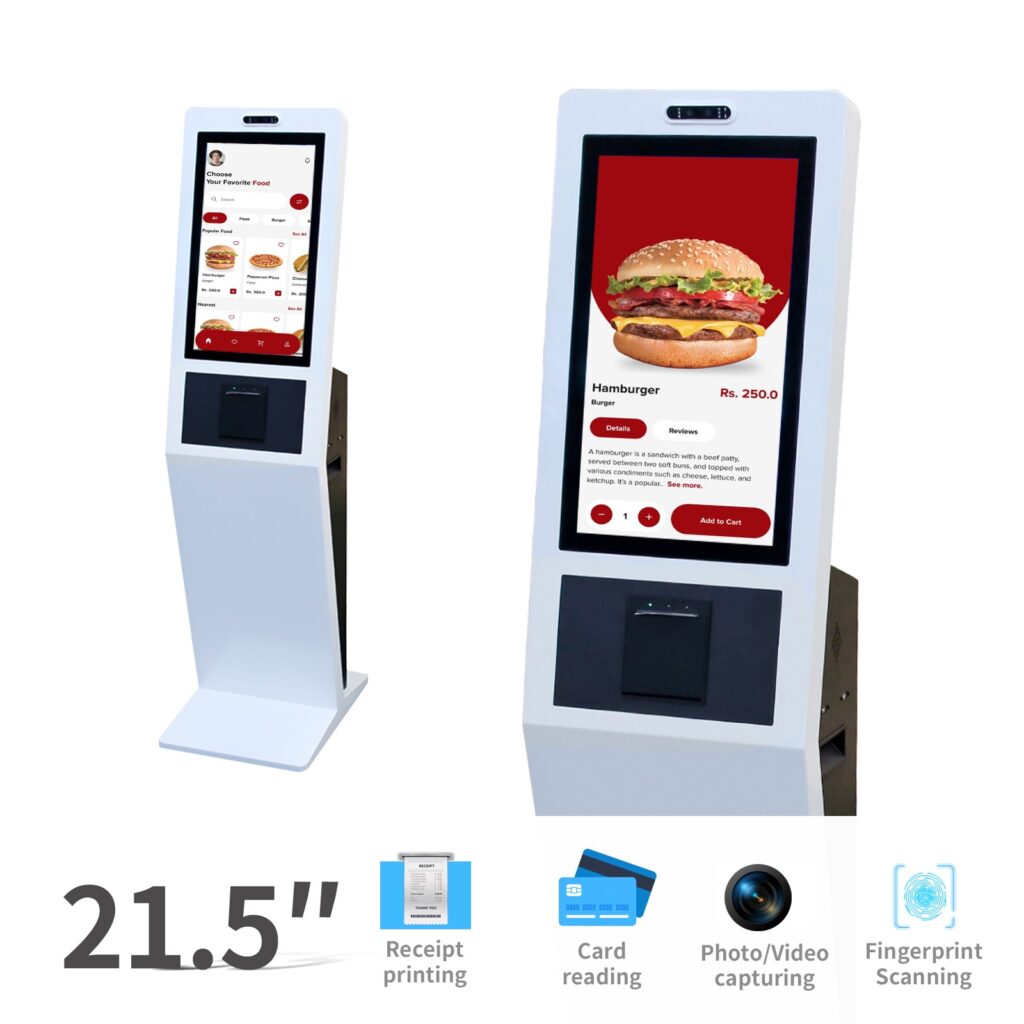
For quick-service restaurants, cafés, food courts, bakeries, and fast casual dining chains, a self ordering kiosk can help customers browse menus, customize orders, select payment options, and receive receipts or order numbers.
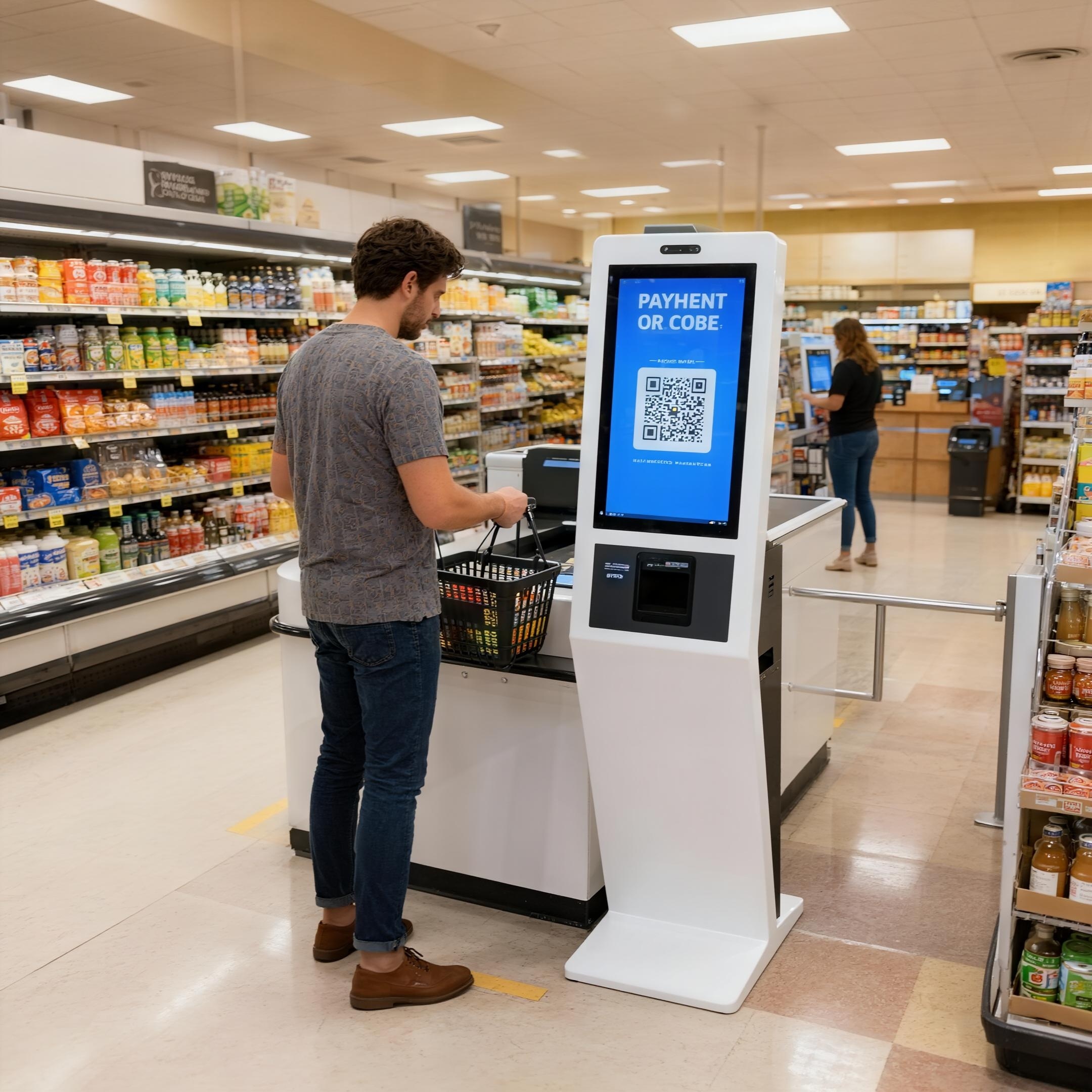
Retail and Mall Self Service Kiosks
For supermarkets, shopping malls, convenience stores, and retail chains, self service kiosks can support self-checkout, product lookup, endless aisle browsing, coupon printing, loyalty services, and payment-related workflows.
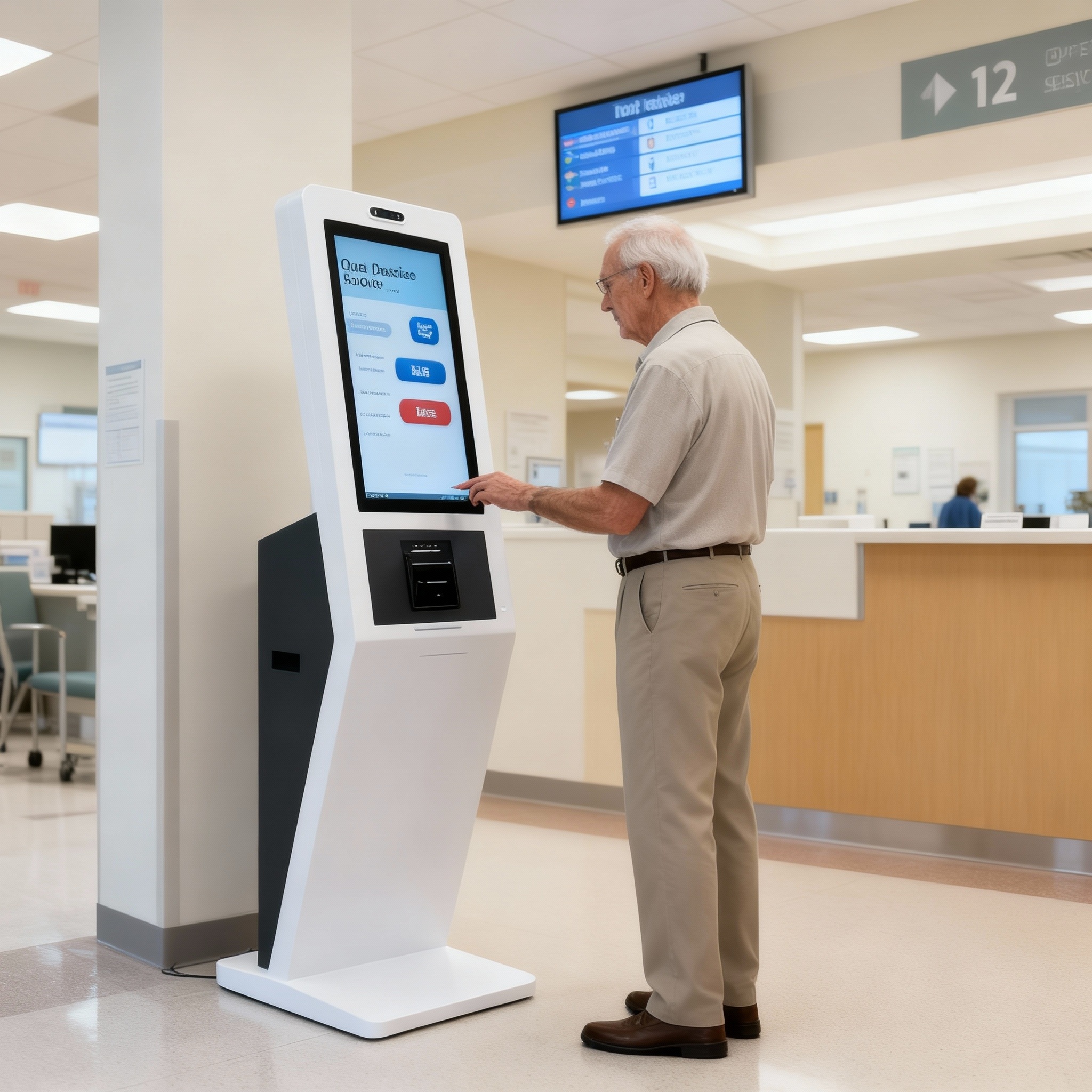
Healthcare Self Service Kiosks
In hospitals, clinics, and healthcare service centers, self service kiosks can support patient check-in, appointment confirmation, registration, report printing, and bill payment. Required modules should be reviewed according to the actual workflow.

Hospitality and Hotel Kiosks
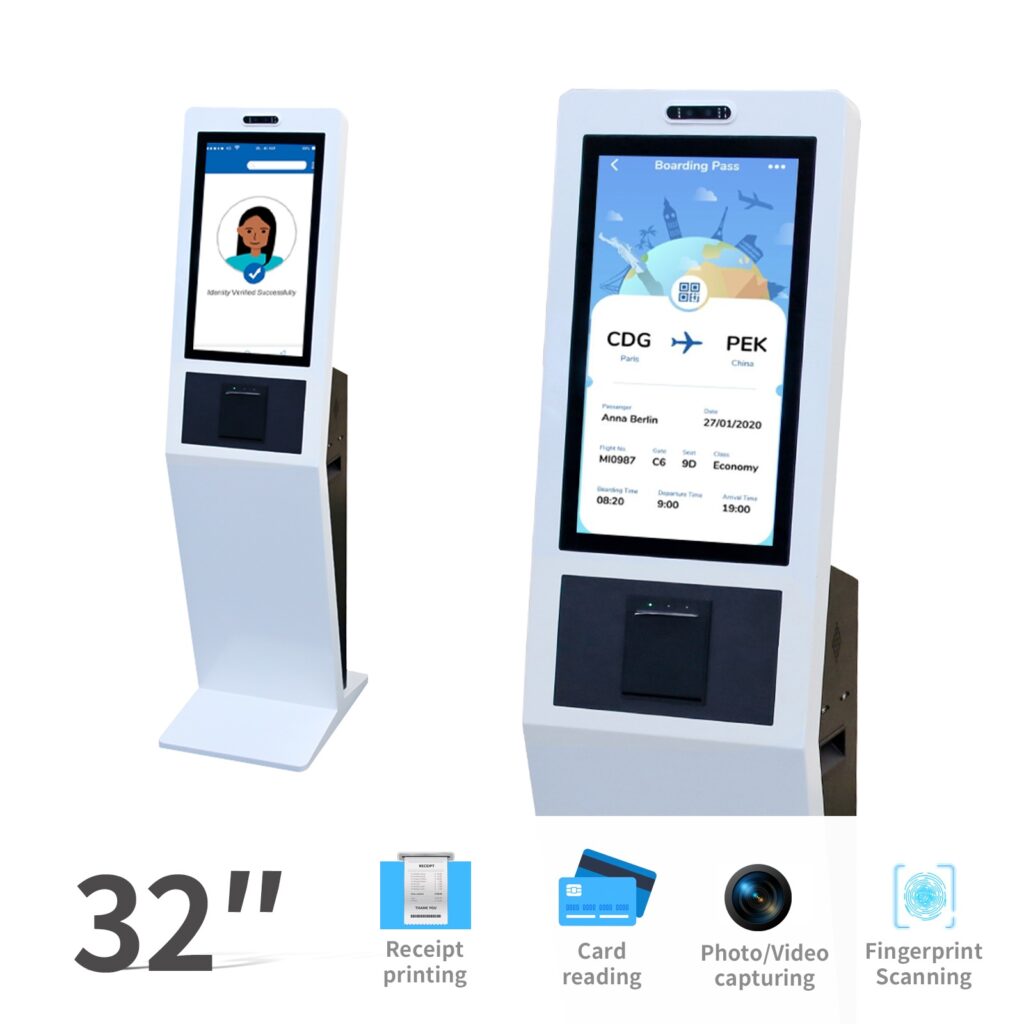
Hotels, transport stations, and travel service points can use kiosks for self check-in, check-out, guest information, ticketing, or service guidance. The kiosk form should match lobby design, traffic flow, and user operation habits.
Government and Public Service Kiosks
Public service kiosks can support information query, document printing, fee payment, application status checking, or citizen service guidance. These projects often involve specific data systems and document formats, so hardware and software compatibility should be reviewed before production.
Share your user flow, required modules, and application environment with Ikinor.
Key Hardware and Module Options for Self Service Kiosks
For B2B kiosk projects, hardware configuration should be planned around the real user flow, service process, and target user group. At Ikinor, we help buyers review touchscreen size, enclosure structure, POS machine module, NFC module, printer module, scanner position, accessibility needs, software connection, and branding requirements before recommending a suitable kiosk configuration.
POS Machine Module
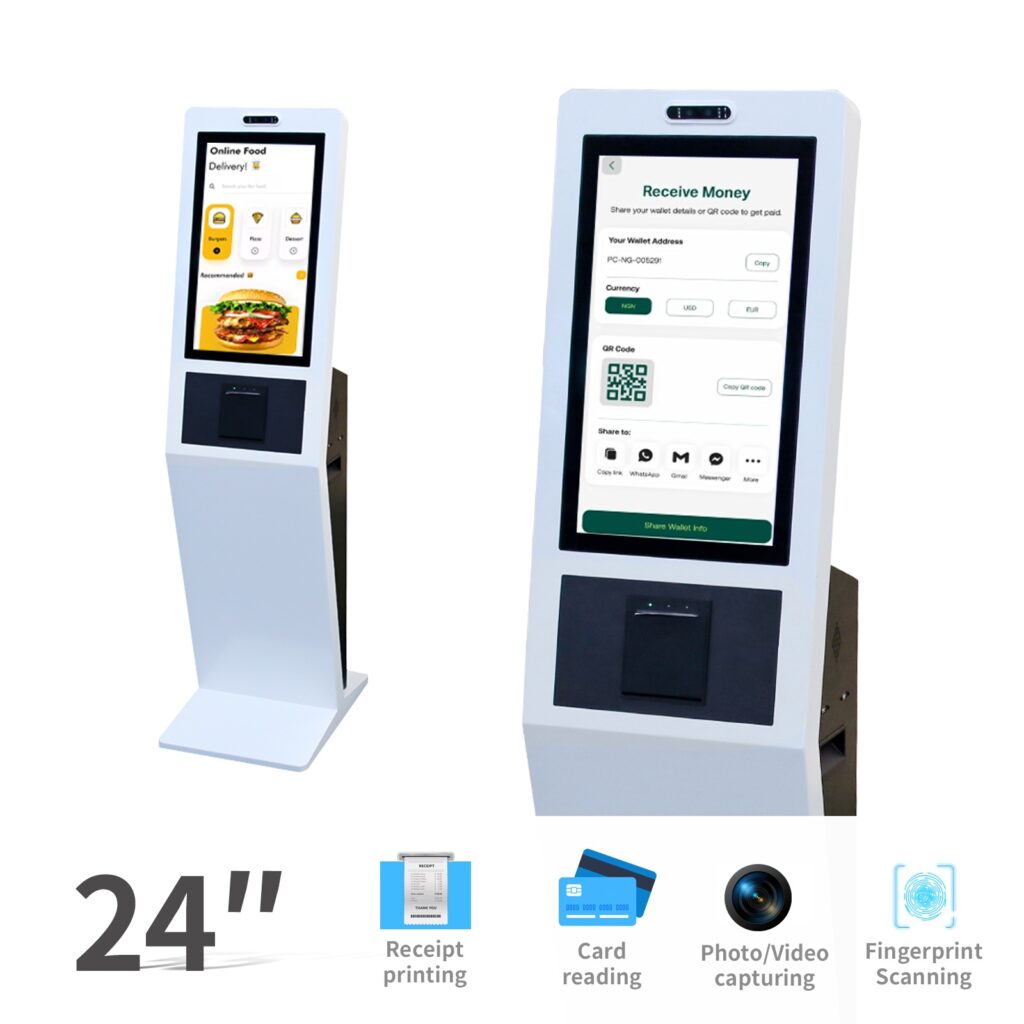
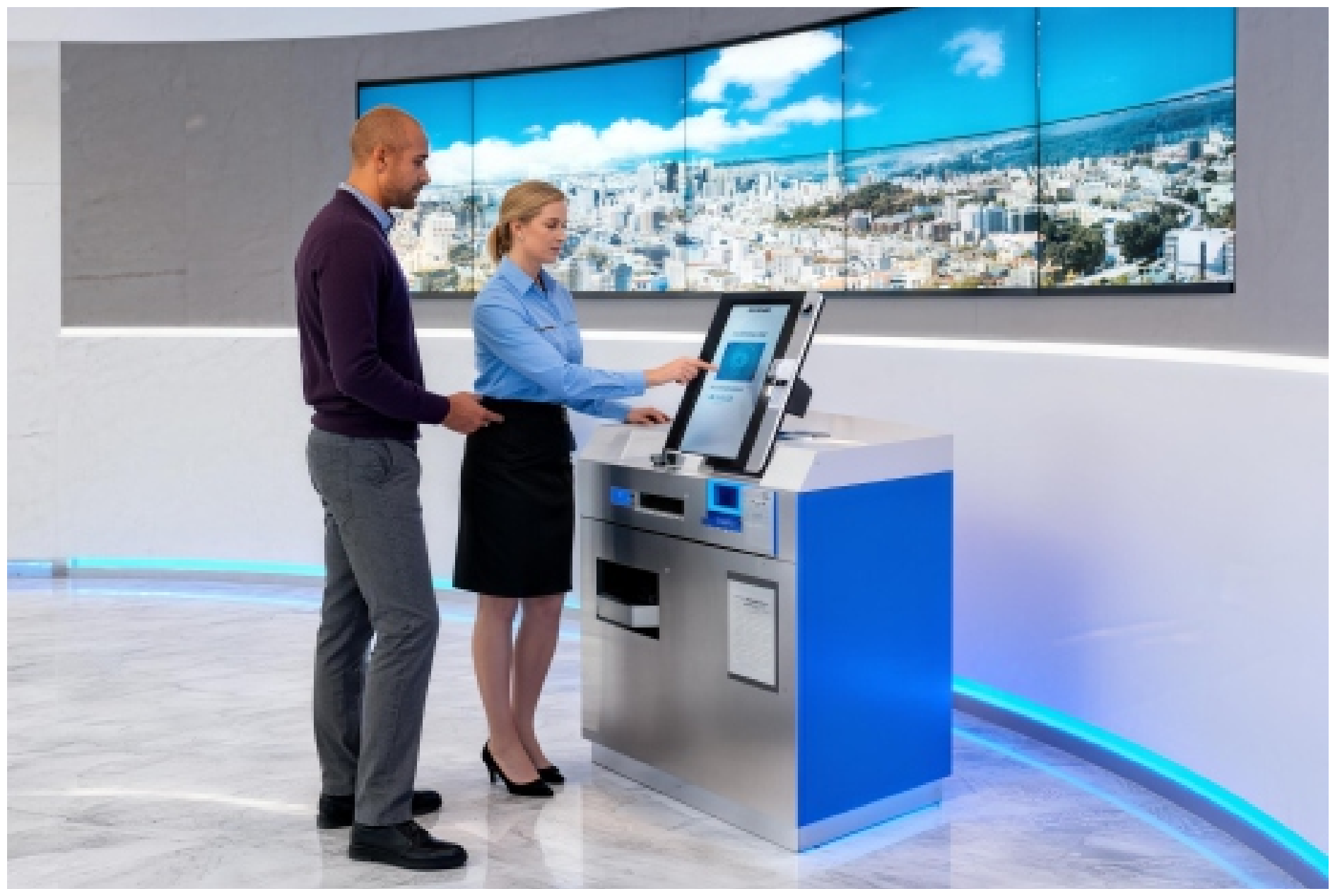
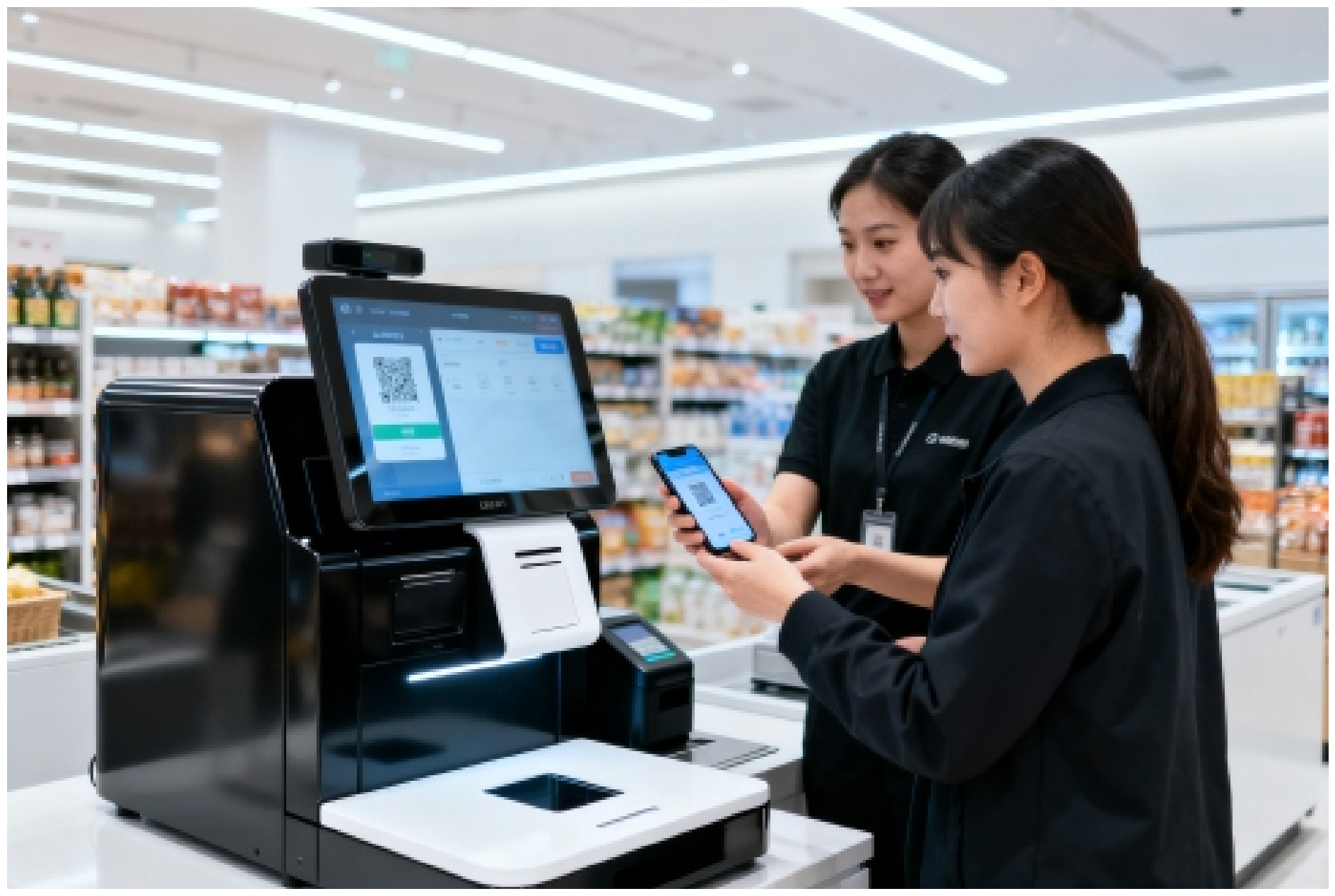
For self payment kiosk and self checkout kiosk projects, a POS machine module can be discussed based on payment flow, terminal size, installation position, cable routing, and local payment system requirements.
NFC Module
An NFC module may support contactless payment, membership cards, employee cards, access cards, or identity-related service flows if required by the project and software environment.
Printer Module
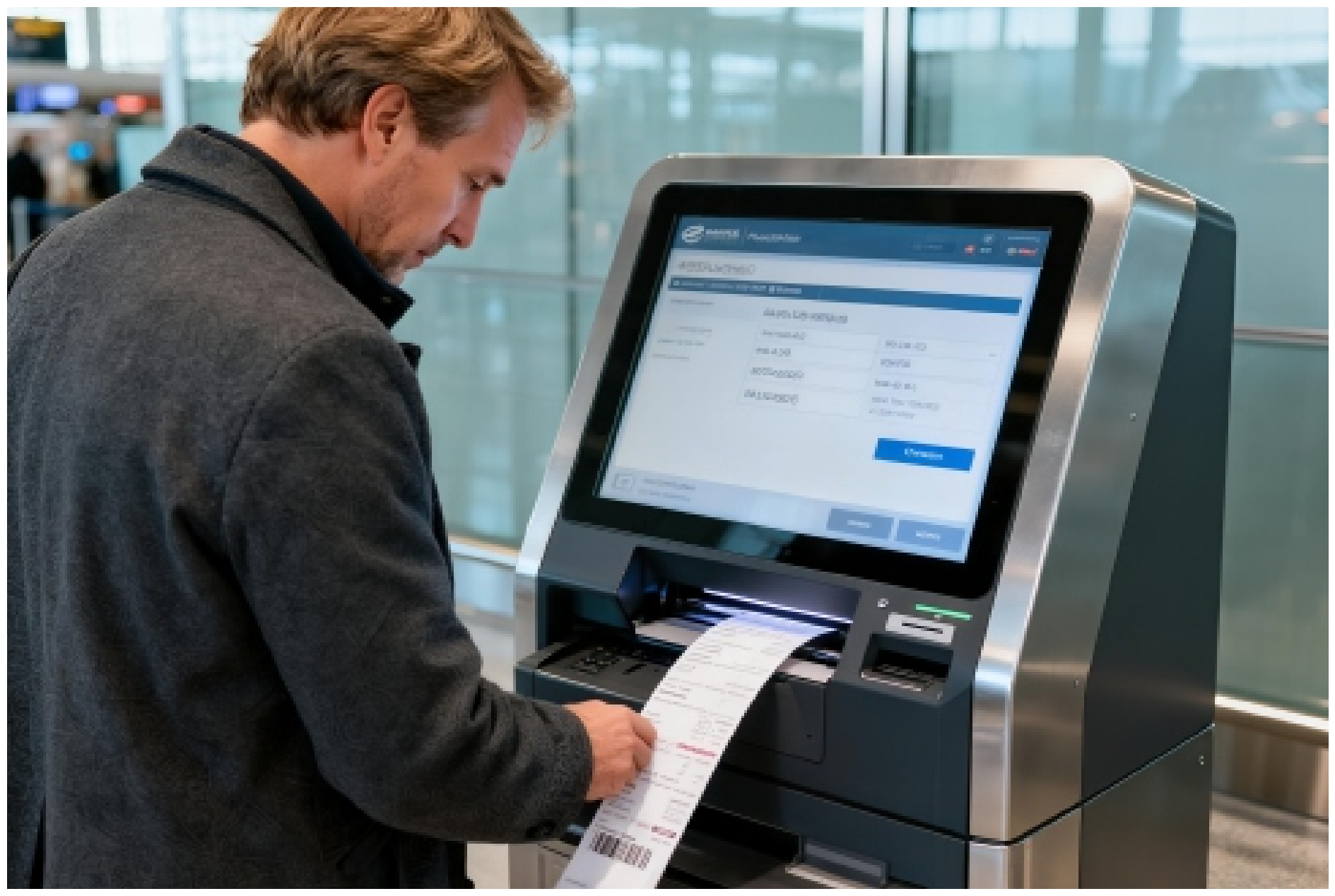
Printer modules can support receipts, tickets, badges, reports, queue numbers, or document output. Paper size, replacement method, printing frequency, and maintenance access should be confirmed before production.

Accessibility and Age-Friendly Design
For public-facing kiosks, Ikinor can discuss screen height, operation angle, button position, readable UI size, audio prompts, wheelchair-friendly access, and ADA-related requirements based on project needs.
Touchscreen and Display
Buyers should consider screen size direction, touch response, viewing distance, interface layout, and whether the kiosk will be used for ordering, checkout, registration, payment, or public service operation.
Kiosk Enclosure and Structure
The enclosure affects durability, module placement, wiring, maintenance access, and visual appearance. Floor-standing, counter-style, wall-mounted, or customized structures can be discussed.
Scanner and Identification Modules
Barcode scanners, QR scanners, cameras, card readers, or ID readers may be required for retail checkout, patient registration, hotel check-in, visitor management, ticketing, or public service projects.
Network, Software, and Branding
A custom kiosk may need network connection, system compatibility, software interface discussion, logo placement, UI style, appearance color, or packaging support.
| Module | Common Use | What to Confirm |
|---|---|---|
| Touchscreen | Ordering, checkout, registration, information lookup | Screen direction, touch method, interface layout, viewing distance |
| Enclosure | Floor-standing, counter, wall-mounted, or project kiosk | Structure, color, module space, cable routing, maintenance access |
| POS Machine Module | Payment, self-checkout, bill payment, ticketing | Terminal size, placement, cable routing, payment system compatibility |
| NFC Module | Contactless payment, member cards, access cards, ID-related service | Reading distance, module position, software connection, use case |
| Printer Module | Receipt, ticket, badge, report, or document output | Paper type, print size, paper replacement, maintenance access |
| Barcode / QR Scanner | Retail checkout, ticketing, visitor check-in, loyalty service | Scan type, position, lighting condition, user operation flow |
| Camera / ID Reader | Visitor registration, hotel check-in, patient check-in | Verification method, installation angle, software compatibility |
| Accessibility Design | Public service, healthcare, government, transportation, elderly users | Screen height, reach range, UI readability, wheelchair-friendly access, and ADA-related needs |
| Speaker / Microphone | Guided operation, voice prompt, accessibility support | Audio needs, environment noise, user interaction scenario |
| Network / System | POS, CMS, HIS, ERP, or backend connection if available | Interface requirements, software provider, data flow, update method |
| Branding Options | Private label or project deployment | Logo, color, UI direction, packaging, user materials |
Ask Ikinor for a configuration sheet based on your project requirements, user flow, and target service scenario.
Custom Self Service Kiosk for OEM/ODM Projects
For distributors, brand owners, system integrators, and project buyers, a standard kiosk model may not always match the final service scenario. A restaurant self-ordering kiosk, healthcare check-in kiosk, hotel kiosk, visitor management terminal, and self payment kiosk may require different enclosure structures, module layouts, branding styles, and user workflows.
As a self service kiosk manufacturer, Ikinor supports custom self service kiosk projects through OEM/ODM cooperation. We help buyers review kiosk form, required modules, appearance direction, packaging needs, and system-related requirements before moving into sample or bulk order discussion. For buyers who need broader touchscreen kiosk OEM/ODM custom solutions , project-based hardware and configuration review can also be discussed.

| Customization Item | What Can Be Discussed | Buyer Value |
|---|---|---|
| Brand Logo Customization | Logo placement on the kiosk body, startup screen, label, or packaging if applicable. | Helps distributors and brand owners build a private-label kiosk product. |
| Packaging Customization | Neutral packaging, branded carton, product label, manual, or project packaging style. | Supports wholesale, channel sales, and project delivery requirements. |
| Screen Size Direction | Suitable screen size and display direction based on user flow, installation space, and touchscreen kiosk OEM/ODM requirements . | Helps buyers avoid choosing a kiosk form that does not fit the service environment. |
| Enclosure / Color / Structure | Kiosk shell design, color direction, stand structure, counter style, or floor-standing form. | Makes the kiosk better match brand image, store design, or public space requirements. |
| Module Configuration | Payment terminal, QR scanner, barcode scanner, printer, camera, card reader, or other modules if available. | Supports workflows such as ordering, checkout, registration, printing, or payment. |
| System or UI Options | Startup interface, basic system settings, app requirements, or UI-related discussion if available. | Helps prepare a more project-ready or brand-ready user experience. |
| Project-Based Review | Application scenario, user operation flow, installation environment, and software connection needs. | Reduces the risk of mismatch between kiosk hardware and actual project use. |
| Sample / Prototype Confirmation | Appearance, function, module layout, packaging, and user experience can be reviewed if available. | Helps buyers confirm key details before moving to bulk production. |
Share your logo, target kiosk type, required modules, screen direction, installation environment, software notes, packaging requirements, and order plan with Ikinor.
How to Choose the Right Self Service Kiosk Configuration
Choosing the right self service kiosk configuration should start from the real service scenario, not from a fixed product model. At Ikinor, we usually recommend buyers first clarify the user flow, required modules, software connection needs, installation environment, and branding requirements.

Start from the user workflow, not only the kiosk appearance
A restaurant self-ordering kiosk, a retail self checkout kiosk, a hospital registration kiosk, and a government public service kiosk may look similar from the outside, but their module layout and operation logic can be very different.
For an OEM kiosk project, the key question is: what should the user complete on the kiosk, and what hardware is needed to support that process? The checklist below can help buyers prepare clearer requirements before requesting a quotation from a custom kiosk manufacturer.
| What to Check | Why It Matters | Buyer Notes |
|---|---|---|
| Application Scenario | Different industries require different kiosk forms, modules, and operation logic. | Restaurant ordering, retail checkout, hospital check-in, hotel service, visitor registration, or public service. |
| User Flow | The kiosk should match how users actually interact with the service. | Browse, select, scan, pay, print, register, verify identity, or collect documents. |
| Required Modules | Not every kiosk needs every module. The configuration should match the workflow. | POS machine module, NFC module, QR scanner, barcode scanner, printer, camera, ID reader, or card reader. |
| Payment Requirements | A self payment kiosk must be reviewed according to the target payment method and local system. | Confirm POS device size, payment method, terminal placement, cable routing, and software compatibility. |
| Printing Needs | Printing requirements affect enclosure space, maintenance access, and user operation. | Receipt printer, ticket printer, badge printer, report printer, or document printer. |
| Scanning and ID Needs | Scanner and ID modules should match the real verification or checkout process. | QR code, barcode, membership card, ID card, visitor pass, ticket, or medical card if applicable. |
| Software or Backend Integration | Hardware should be planned together with system connection requirements. | POS, CMS, HIS, ERP, visitor system, payment system, or project-specific software if available. |
| Installation Environment | Placement affects kiosk structure, screen direction, accessibility, and durability needs. | Lobby, restaurant counter, retail entrance, hospital hall, office reception, or public service area. |
| Branding and Packaging | OEM/ODM buyers often need the kiosk to match their brand or sales channel. | Logo, color, UI direction, enclosure finish, carton, label, manual, and packaging style. |
| Maintenance and After-Sales Communication | Long-term use depends on easy access to key modules and clear support communication. | Paper replacement, module access, spare parts discussion, documentation, and future order consistency. |
Send Ikinor your project scenario, user operation steps, required modules, payment or printing needs, software notes, installation environment, and branding plan.